No app
Scan and start
Guests open the camera in their phone’s browser. No app download needed.
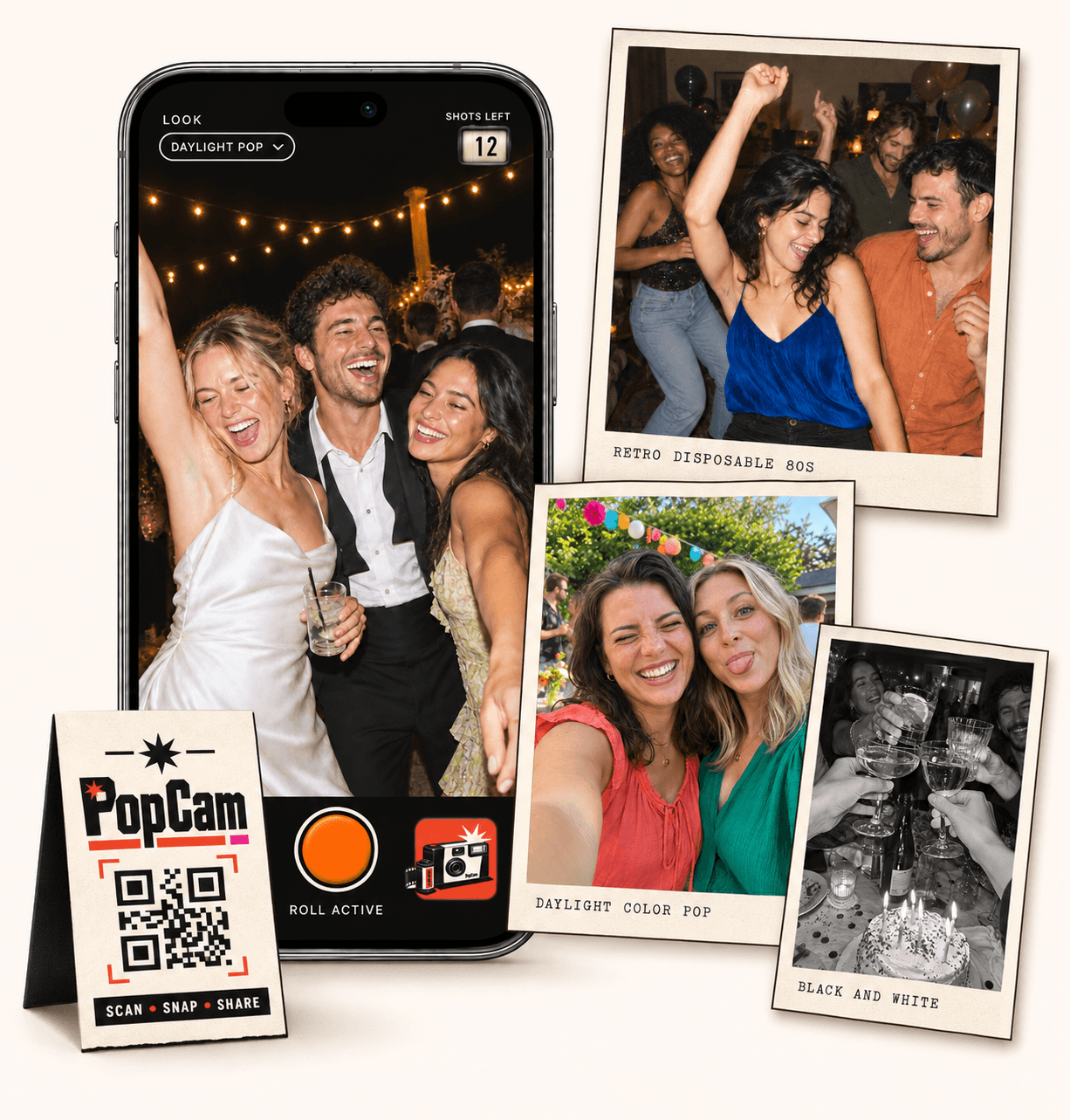
GuestCam alternative for your next celebration: PopCam makes taking photos part of the event. Give each guest a browser camera, a roll of 12 or 24 shots and a shared album to discover when you choose. Share the QR code, invite people to capture the celebration and try the camera before picking your package.
No app
Guests open the camera in their phone’s browser. No app download needed.
12 or 24
Choose a photo allowance for your event. Guests see their remaining shots as they take photos.
Private
Collect uploaded PopCam photos in an album you share through its own link.
Review
Use your host panel to review photos and plan when the album opens.
Compare the experience
This comparison is published by PopCam using the product sources below. GuestCam is a separate product and is not affiliated with PopCam. Features and plans can change.
Sources checked September 30, 2026
With PopCam, the invitation is to open a camera and capture something happening around you. Ask for a photo of the table, a small detail or a friend who has just arrived. Each person’s roll becomes one perspective on the same celebration.
GuestCam collects photos and videos selected from guests’ phones and also includes an audio guestbook. Consider it when gathering several kinds of memories, including existing files, is your priority.
How it works
Before
Create and activate your event. Choose the roll, photo look and album reveal, then share your QR code.
During
Guests scan, open the camera and take their photos. Uploaded shots come together in your event album.
After
Review the collection before your chosen reveal time. Share the album link so your guests can enjoy the memories.
Choose a PopCam package with 12 or 24 photos per guest. The camera shows the remaining shots, so people can save a few for the toast, the dance floor or the last group picture.
Keep one photo look for the whole event or let each guest choose a filter. A shared black-and-white look gives the album a consistent mood; guest-selected looks leave more room for personal choices.
Use PopCam’s host panel to review the photos and choose when the album opens. A reveal after the event gives your guests another moment together as they discover what other people noticed.
Put the event link somewhere guests can find again and explain the reveal when you share the camera. The finished collection is a digital album of photos taken through PopCam, rather than a place to import everybody’s existing phone library.
GuestCam offers multiple-gallery organization, a live slideshow and an optional MagicFind face-search add-on. Those may matter more than a limited roll if you are organizing a broad media collection.
Choose PopCam for its camera experience, photo looks and reveal. Try the three-photo demo, then select your guest capacity and roll size below. PopCam prices are shown in Mexican pesos; use GuestCam’s official pricing information to compare current totals and inclusions.
Event packages
Choose your guest count and a roll of 12 or 24 photos per guest. Each package includes your event camera, QR code, photo filters and private album.
Prices in Mexican pesos (MXN) · One payment per event
Events
Events Plus
Choose a package to continue with your event details. You can review your selection before payment.
This page compares PopCam with GuestCam at guestcam.co. Check the linked official pages when reviewing features and packages, as other websites have similar names.
No. Both provide guest access through a QR code or link without an app download. PopCam’s main reason to try it is its photo-taking experience: a visible roll allowance, event looks and an album reveal.
PopCam’s current event packages focus on photos taken through its camera. They do not include bulk uploads from phone libraries, video collection or an audio guestbook. Choose a service that supports those formats if they are essential to your event.
Choose your PopCam guest capacity and 12- or 24-photo roll below, then compare the total with the competitor’s current package and any extras you need. Check the currency and included features; the plans are not identical.
Choose your package, set the look, and get ready to share your camera.