No app
Scan and start
Guests open the camera in their phone’s browser. No app download needed.
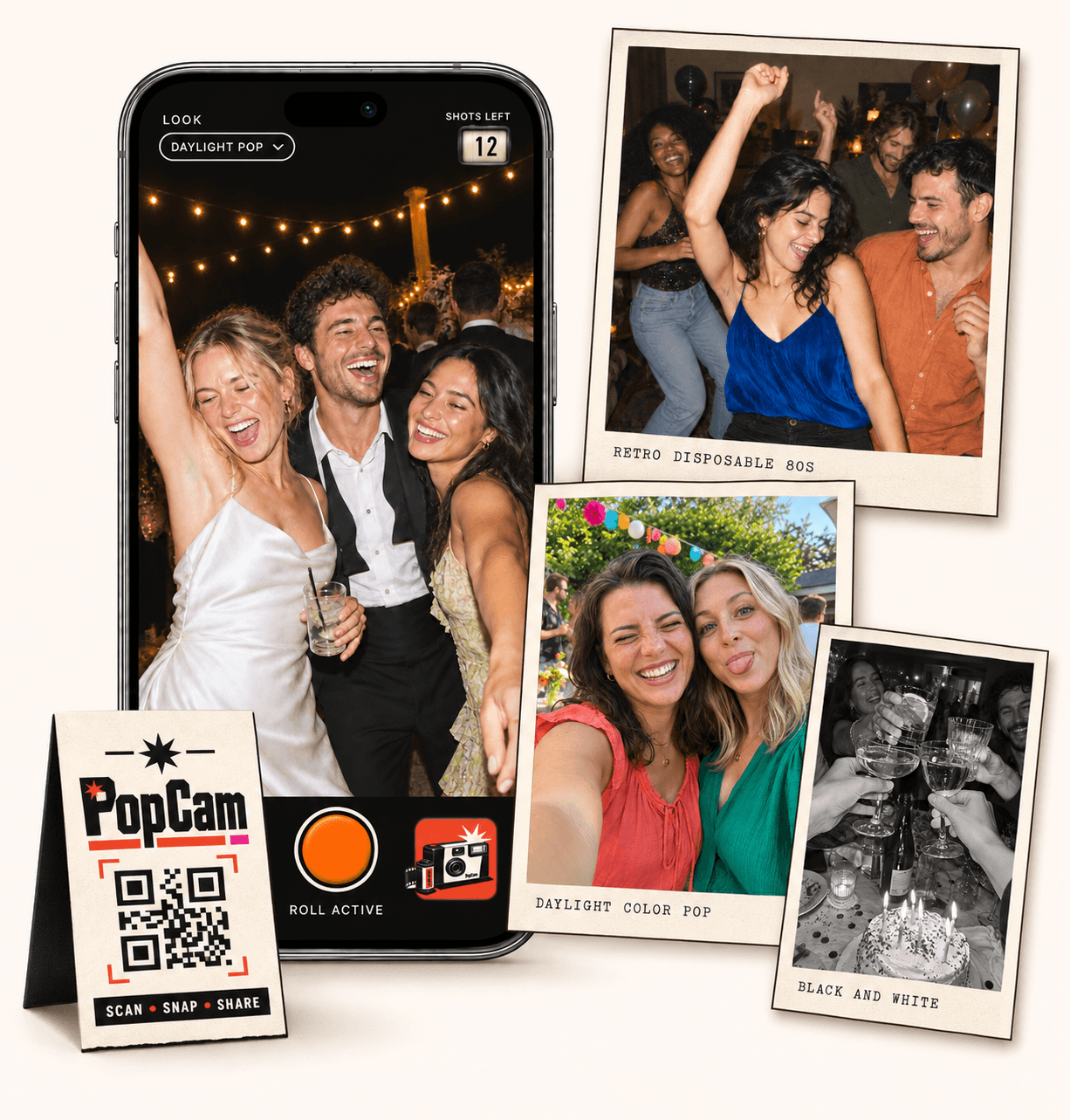
A POV camera alternative with a colorful disposable-camera feel. PopCam gives guests a browser camera, a roll of 12 or 24 photos and a shared album with a reveal you control. Try the camera on your own phone, then choose the package that fits your celebration.
No app
Guests open the camera in their phone’s browser. No app download needed.
12 or 24
Choose a photo allowance for your event. Guests see their remaining shots as they take photos.
Private
Collect uploaded PopCam photos in an album you share through its own link.
Review
Use your host panel to review photos and plan when the album opens.
Compare the experience
This comparison is published by PopCam using the product sources below. POV is a separate product and is not affiliated with PopCam. Features and plans can change.
Sources checked September 30, 2026
You are inviting people to notice the celebration from their own point of view: a reunion at the door, the table making everyone laugh, or the last song of the night. The camera should make that invitation feel easy.
Both PopCam and POV offer QR access without requiring a full app download for guests. Open a demo and experience the controls on the phone you will bring to the event.
How it works
Before
Create and activate your event. Choose the roll, photo look and album reveal, then share your QR code.
During
Guests scan, open the camera and take their photos. Uploaded shots come together in your event album.
After
Review the collection before your chosen reveal time. Share the album link so your guests can enjoy the memories.
With PopCam, select a 12- or 24-photo event package. Guests see the shots they have left as they work through their roll, giving the camera a familiar disposable feel.
Choose one look for the event or allow guests to change filters. Set a shared look for a consistent collection, or invite a mix of styles from the people taking part.
A reveal after the event turns the album into another moment to share. PopCam gives the host a review panel and control over when guests can discover the collection.
POV also advertises configurable reveal timing. Consider the complete experience you want, including extras: POV offers an optional printed photobook, while PopCam’s packages provide a digital photo experience.
Use PopCam’s three-photo demo to check the shot counter, try the available looks and see how a short roll feels. Ask another guest to try it too before you settle on your event setup.
Choose the guest capacity and roll size below to see PopCam’s current package in MXN. For POV, use its official calculator with your event type and guest count. Check the currency and included options when comparing totals.
Event packages
Choose your guest count and a roll of 12 or 24 photos per guest. Each package includes your event camera, QR code, photo filters and private album.
Prices in Mexican pesos (MXN) · One payment per event
Events
Events Plus
Choose a package to continue with your event details. You can review your selection before payment.
Try PopCam if you like its camera design, 12- or 24-photo rolls and choice of event-wide or guest-selected looks. The demo lets you judge the experience directly; QR access and delayed reveal are features both products offer.
No. Guests open the event link in their phone’s browser and allow camera access. POV also advertises guest access without a full app download, so installation alone does not distinguish the two services.
No. Guests use their own phones, and the event produces a digital photo album. If a bundled or optional printed keepsake is important to you, review the provider’s printing options before choosing.
Start with how many guests will participate, then choose a roll of 12 or 24 photos per guest. The packages below show current prices in Mexican pesos and take your selection into the event setup form.
Choose your package, set the look, and get ready to share your camera.