No app
Scan and start
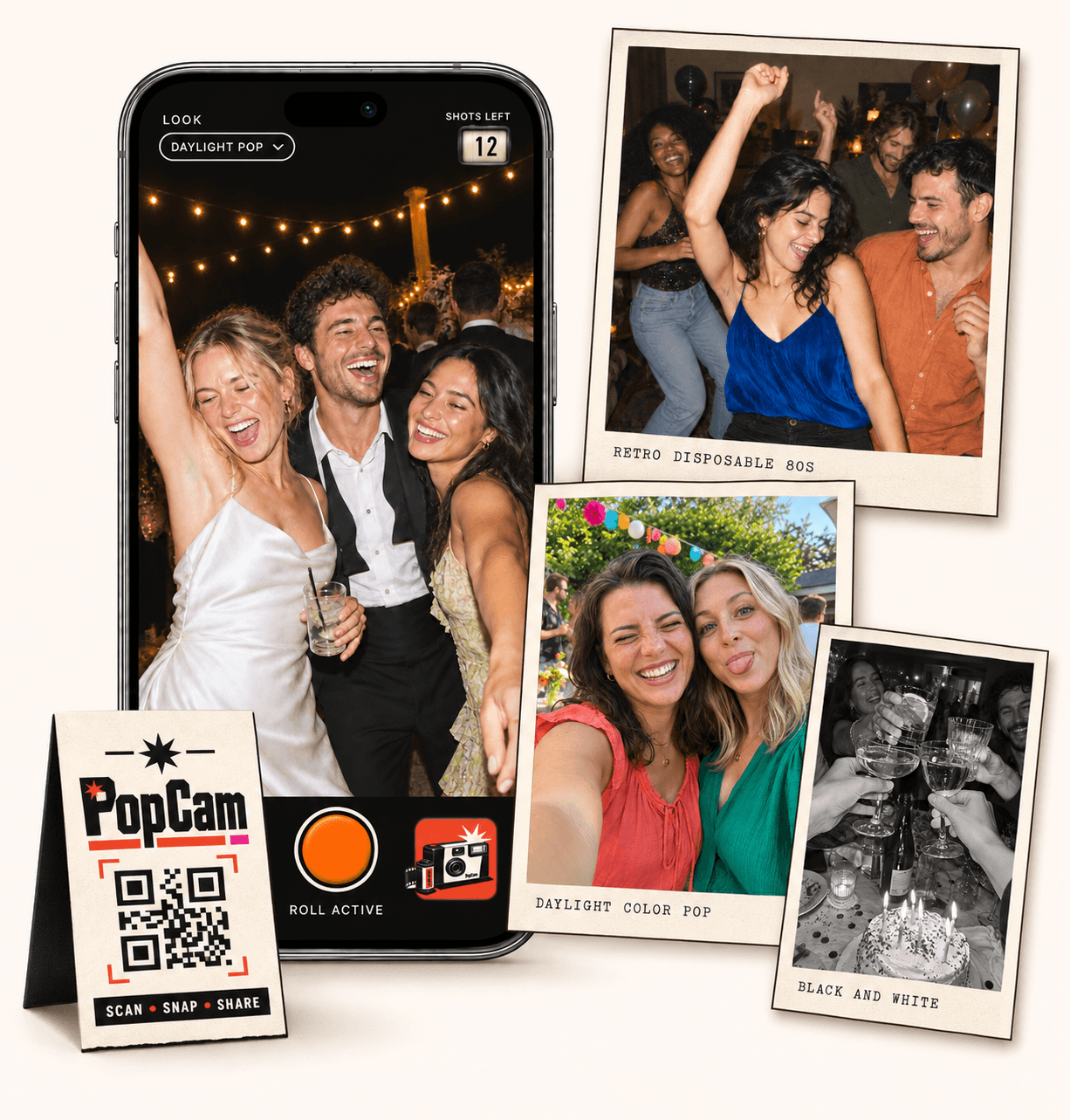
Guests open the camera in their phone’s browser. No app download needed.
Kululu alternative for a shared photo activity: PopCam gives your guests a roll to fill and an album to discover together. Guests scan your event QR code, take 12 or 24 photos through their browser and use the look you chose for the celebration. Set the reveal and enjoy their different perspectives.
No app
Guests open the camera in their phone’s browser. No app download needed.
12 or 24
Choose a photo allowance for your event. Guests see their remaining shots as they take photos.
Private
Collect uploaded PopCam photos in an album you share through its own link.
Review
Use your host panel to review photos and plan when the album opens.
Compare the experience
This comparison is published by PopCam using the product sources below. Kululu is a separate product and is not affiliated with PopCam. Features and plans can change.
Sources checked September 30, 2026
Think about the moment you want to create. With PopCam, guests notice something, open the camera and decide how to use their next shot. Their photos collect into an album that can open after the celebration.
Kululu collects photos, videos and text messages and can show them on a live photo wall. It is worth considering when a screen displaying guest contributions is central to your plans.
How it works
Before
Create and activate your event. Choose the roll, photo look and album reveal, then share your QR code.
During
Guests scan, open the camera and take their photos. Uploaded shots come together in your event album.
After
Review the collection before your chosen reveal time. Share the album link so your guests can enjoy the memories.
Set a 12- or 24-photo allowance through your PopCam package. The remaining-shot counter keeps each guest’s roll clear as they move between tables, friends and parts of the event.
Keep the prompts simple: someone laughing, a detail you love and a photo of your group. Leave room for guests to notice moments you never thought to ask for.
PopCam lets the host choose one filter for everyone or allow guests to change their own look. Try the camera before deciding whether your event suits warm retro color, black and white or a mix of styles.
Review the collection in the host panel and choose when the album opens. Tell guests where to return for the reveal, so taking the photos and discovering the finished album both feel like part of the event.
Kululu has Free, Plus and Pro plans. Participant access is unlimited, while upload allowances, duration and customization vary by plan. Check its current terms for the volume and event features you need.
For PopCam, start with how many people will use the camera and whether each person should have 12 or 24 shots. The package selector below shows current prices in Mexican pesos. Try the three-photo demo to experience the roll before choosing.
Event packages
Choose your guest count and a roll of 12 or 24 photos per guest. Each package includes your event camera, QR code, photo filters and private album.
Prices in Mexican pesos (MXN) · One payment per event
Events
Events Plus
Choose a package to continue with your event details. You can review your selection before payment.
No. PopCam focuses on taking photos through a guest camera and bringing them together in an album. If you need a slideshow that updates on a venue screen during the event, choose a product designed for that experience.
No. Kululu also lets guests participate without installing an app. Try PopCam for its camera design, limited roll, photo looks and host-controlled reveal, then decide whether that activity fits your celebration.
PopCam’s current packages collect photos taken through its event camera. They do not include guest video uploads or a text guestbook. Check the supported formats before choosing if you want to collect more than photos.
The host can decide. Lock one look for a consistent album or allow photographers to choose their own look in the camera. The demo lets you explore the available filters before setting up your event.
Choose your package, set the look, and get ready to share your camera.