No app
Scan and start
Guests open the camera in their phone’s browser. No app download needed.
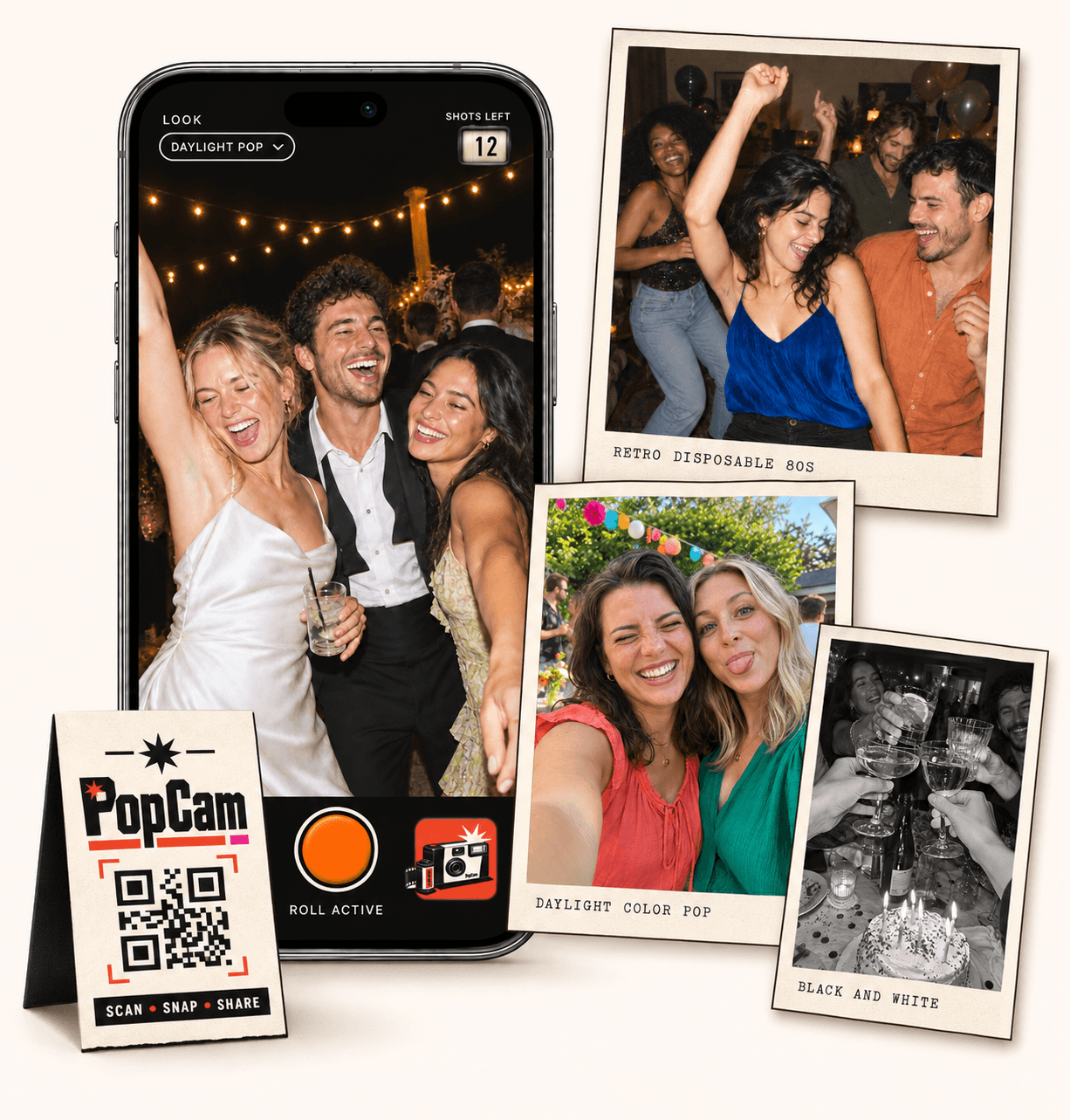
Disposable cameras for weddings make every guest part of the story. PopCam brings that limited-roll experience to their phones: scan a QR code, take candid photos, and discover a shared album when you choose to reveal it. No film to develop and no app to download.
No app
Guests open the camera in their phone’s browser. No app download needed.
12 or 24
Choose a photo allowance that fits your celebration. Guests see their remaining shots.
Private
Collect uploaded PopCam photos in an album you share through its own link.
Review
Use your host panel to review photos and plan when the album opens.
A film camera is a physical object guests can pass around the table. PopCam opens on each guest’s phone. Both invite people to notice a moment and take a shot, but the way you collect those memories is different.
You provide the cameras, collect them afterward and arrange film processing. The camera itself becomes part of the table experience.
You share one event QR code. Guests use their own phone cameras, and uploaded shots join your event album without a trip to the photo lab.
How it works
Before
Create and activate your event. Choose the roll, photo look and album reveal, then share your wedding QR code.
During
Guests scan, open the camera and take their photos. Their uploaded shots come together in your wedding album.
After
Review the collection before your chosen reveal time. Share the album link so everyone can enjoy the memories.
Choose a package with 12 or 24 photos per guest. The camera shows how many shots remain, making the roll part of the experience from the first photo to the last.
A smaller roll gives guests a reason to choose their moments. A larger roll leaves more room for everything from the first toast to the final song.
Choose a photo look for the celebration, from warm retro color to black and white. Set one look for everyone or let guests choose their own in the camera.
These are digital photo filters. You get the convenience of a shared digital album while giving the collection a visual character of its own.
Keep the camera’s look fixed when you want the guest collection to share a consistent style.
Allow guests to change the look when you want their choices to be part of the memories.
Put the QR code where people naturally pause: beside a place setting, on the bar or near the guest book. Add a short invitation to take a few photos, then let the evening happen.
Invite a group photo, a toast and a detail someone at the table loves.
Ask guests to save a few shots for the people and songs that get everyone moving.
Invite guests to save a few shots for the late celebration and those last moments together.
Wedding packages
Start with how many guests you want to take part, then choose a 12- or 24-photo roll. Your package sets the guest capacity and photos available to each participant.
Check the current packages and pricing, then create your event with the dates and photo look you want.
Prices in Mexican pesos (MXN) · One payment per event
Events
Events Plus
Choose a package to continue with your wedding details. You can review your selection before payment.
No. PopCam is a digital alternative that guests use on their own phones. Your event QR code opens the camera in a browser; no physical cameras or film processing are included.
Wedding event packages offer 12 or 24 photos per guest. Choose the roll size when setting up your event. The camera displays the guest’s remaining shots.
PopCam uses digital filters, not photographic film. The result depends on the selected look, the guest’s phone and the lighting. Try the demo to see how the camera and filters feel before choosing.
Yes. Choose when the album is revealed and use your private host panel to review the collection. Guests can discover the photos when the album opens.
Choose your package, set the look, and get ready to share your camera.