No app
Scan and start
Guests open the camera in their phone’s browser. No app download needed.
Wedding photo sharing brings together the pictures guests take with your PopCam event camera. Their shots arrive in one private album, where you can review the collection and choose when it opens. Share the result and relive your wedding through the people who celebrated with you.
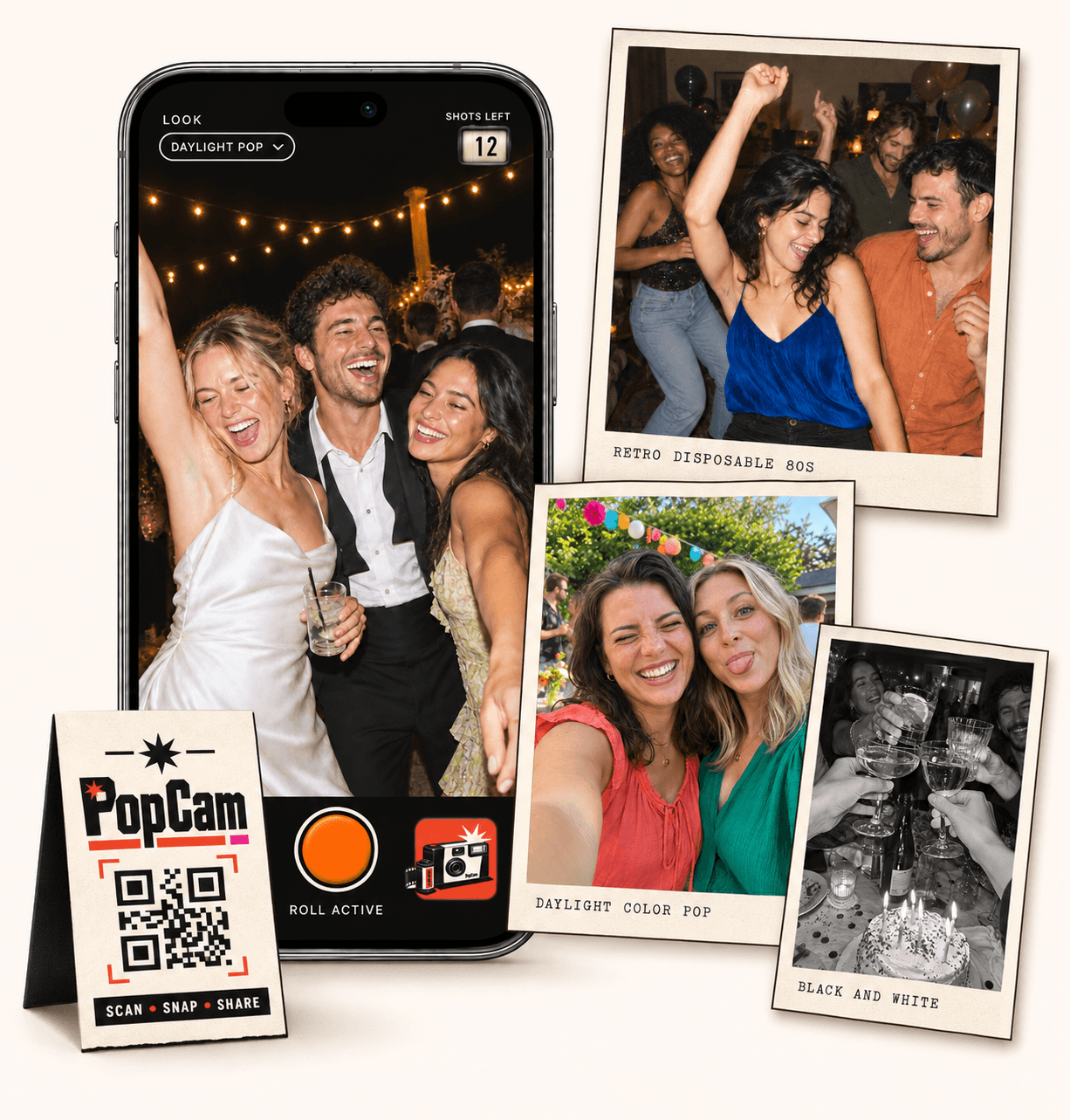
No app
Guests open the camera in their phone’s browser. No app download needed.
12 or 24
Choose a photo allowance that fits your celebration. Guests see their remaining shots.
Private
Collect uploaded PopCam photos in an album you share through its own link.
Review
Use your host panel to review photos and plan when the album opens.
Give guests the same event camera link. As their PopCam photos finish uploading, they become part of your event’s collection instead of staying scattered across individual message threads.
This album collects photos taken through PopCam. Introduce the camera during the wedding so guests know how to contribute their pictures to it.
How it works
Before
Create and activate your event. Choose the roll, photo look and album reveal, then share your wedding QR code.
During
Guests scan, open the camera and take their photos. Their uploaded shots come together in your wedding album.
After
Review the collection before your chosen reveal time. Share the album link so everyone can enjoy the memories.
Your host link opens the panel where you manage the event and review its photos. Look through the collection and hide photos you do not want to appear in the guest album.
Keep the host link with the people managing the wedding. Use the guest camera link for participation and the album link for viewing the collection.
The link guests use to join the event and take their photos.
Your access to event management and photo review; keep it out of printed guest materials.
The viewing link to share when you want people to discover the revealed collection.
Taking photos and viewing the finished collection are separate parts of the experience. Guests use the event camera during the celebration, and the album opens at the reveal time you choose.
Leave time between the end of the celebration and the reveal if you want to review the photos first. Then turn the album opening into a reason to revisit the day together.
Send the album link in a thank-you message or your wedding group chat. Guests can return to one collection to see the celebration from the other tables and corners of the room.
Treat the album link as a private invitation: people who receive it can pass it on. Share it with the audience you want to see the photos.
Wedding packages
Choose a package for the number of people you want to contribute and the photo allowance you want each guest to have. The event’s PopCam shots come together in the same album.
Plan for participation before the wedding: pick your guest capacity, share the camera code and set a reveal time that leaves room for review.
Prices in Mexican pesos (MXN) · One payment per event
Events
Events Plus
Choose a package to continue with your wedding details. You can review your selection before payment.
No. The shared album contains the photos guests take through your PopCam event camera. It does not automatically collect photos from their phone’s library or other camera apps.
Yes. Use the host panel to review the collection and hide photos. Set the reveal for after your planned review time if you want to check the collection before it opens.
Guests access the album through its event-specific link, and the reveal controls when its photos can be viewed. Keep that link within your intended group; anyone who receives it may be able to view the revealed album.
No. The host link gives access to event management. Share the guest camera link for taking photos and the album link for viewing them, while keeping the host link private.
Choose your package, set the look, and get ready to share your camera.