No app
Scan and start
Guests open the camera in their phone’s browser. No app download needed.
A wedding photo app that opens right in your guests’ browsers. PopCam gives everyone a limited roll, a look chosen for your celebration, and a shot counter that keeps track as they capture the party. Guests scan, start shooting and get back to celebrating.
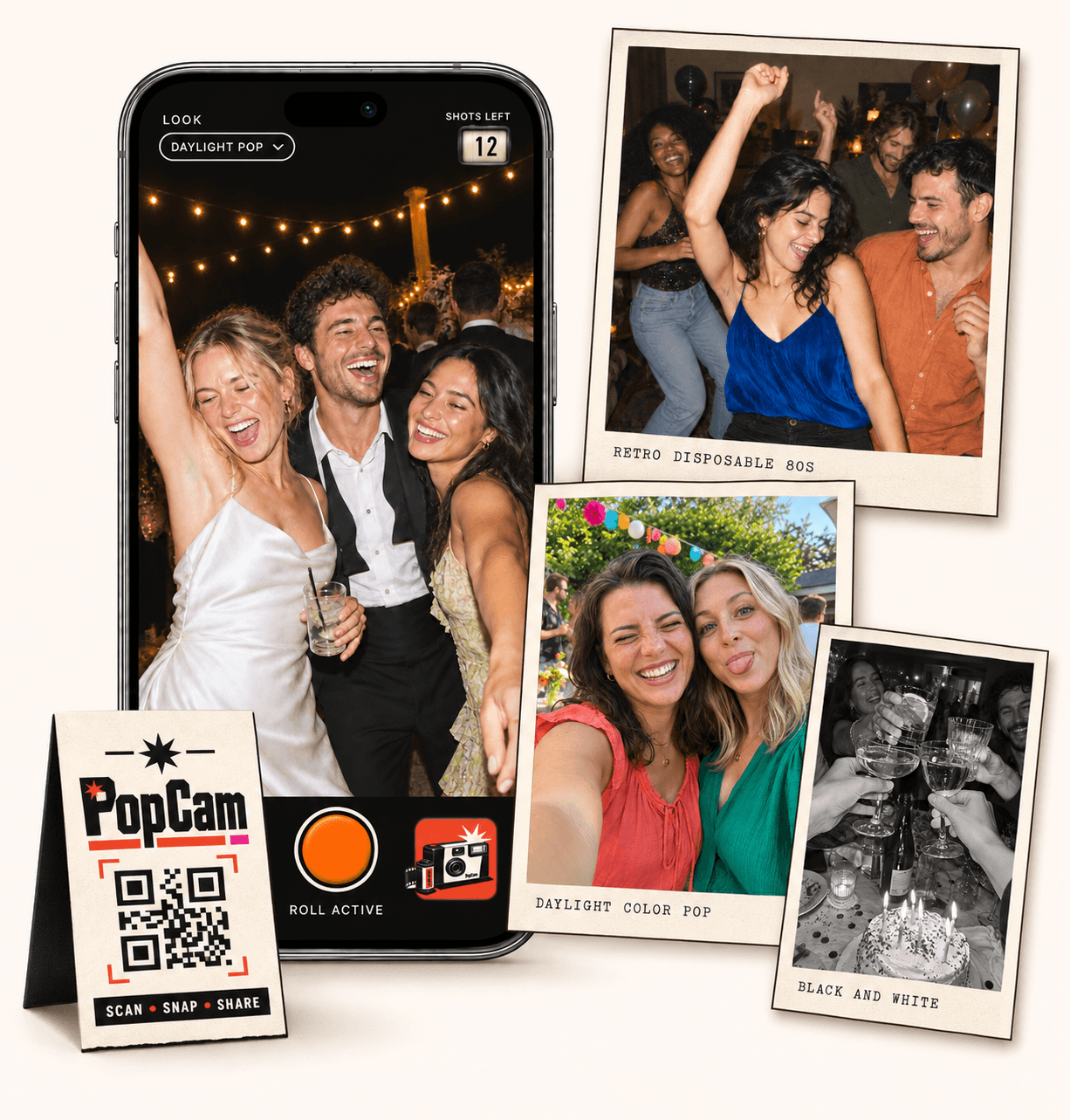
No app
Guests open the camera in their phone’s browser. No app download needed.
12 or 24
Choose a photo allowance that fits your celebration. Guests see their remaining shots.
Private
Collect uploaded PopCam photos in an album you share through its own link.
Review
Use your host panel to review photos and plan when the album opens.
Guests scan your event QR code with their phone, open the link and allow camera access. The camera runs in the browser, so joining the celebration does not start with an app-store download.
Share the guest link as well as the QR code. It gives people a simple way to open the camera from a message on the same phone they will use to take pictures.
How it works
Before
Create and activate your event. Choose the roll, photo look and album reveal, then share your wedding QR code.
During
Guests scan, open the camera and take their photos. Their uploaded shots come together in your wedding album.
After
Review the collection before your chosen reveal time. Share the album link so everyone can enjoy the memories.
The roll is part of your event setup. Choose the allowance that fits how you want guests to participate, and their cameras will use that limit.
A short roll for a handful of favorite moments: a table portrait, a toast, a reunion and a few surprises.
More room for guests who want to capture different parts of the celebration as the evening unfolds.
The camera reflects the choice you make as host. A fixed look appears as a label, so everyone shoots with the style you selected. When you allow personal choices, guests can change the look from their camera.
Choose one filter for the whole event when you want a shared visual mood.
Let each guest decide which available filter suits the moment they are photographing.
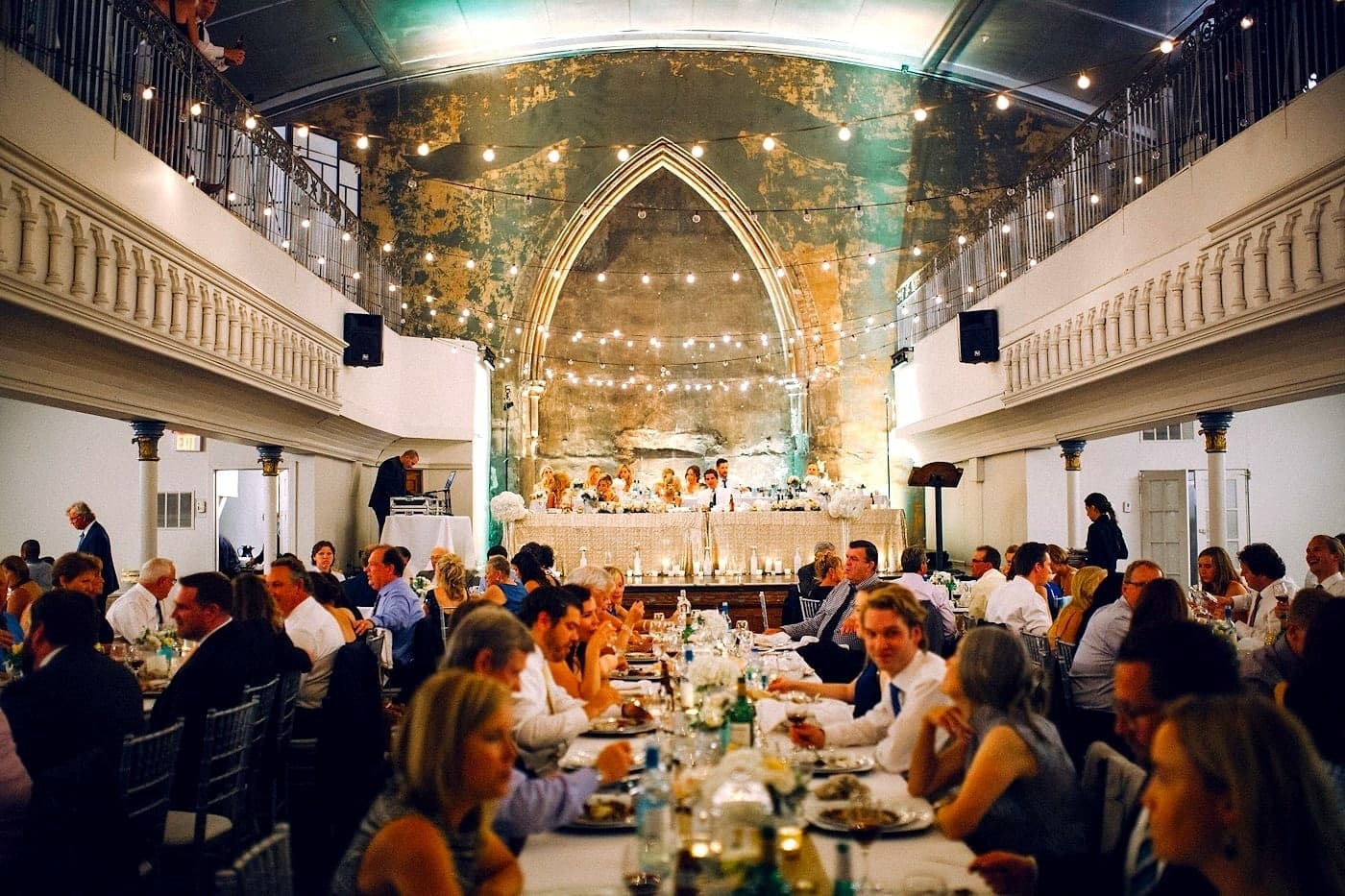
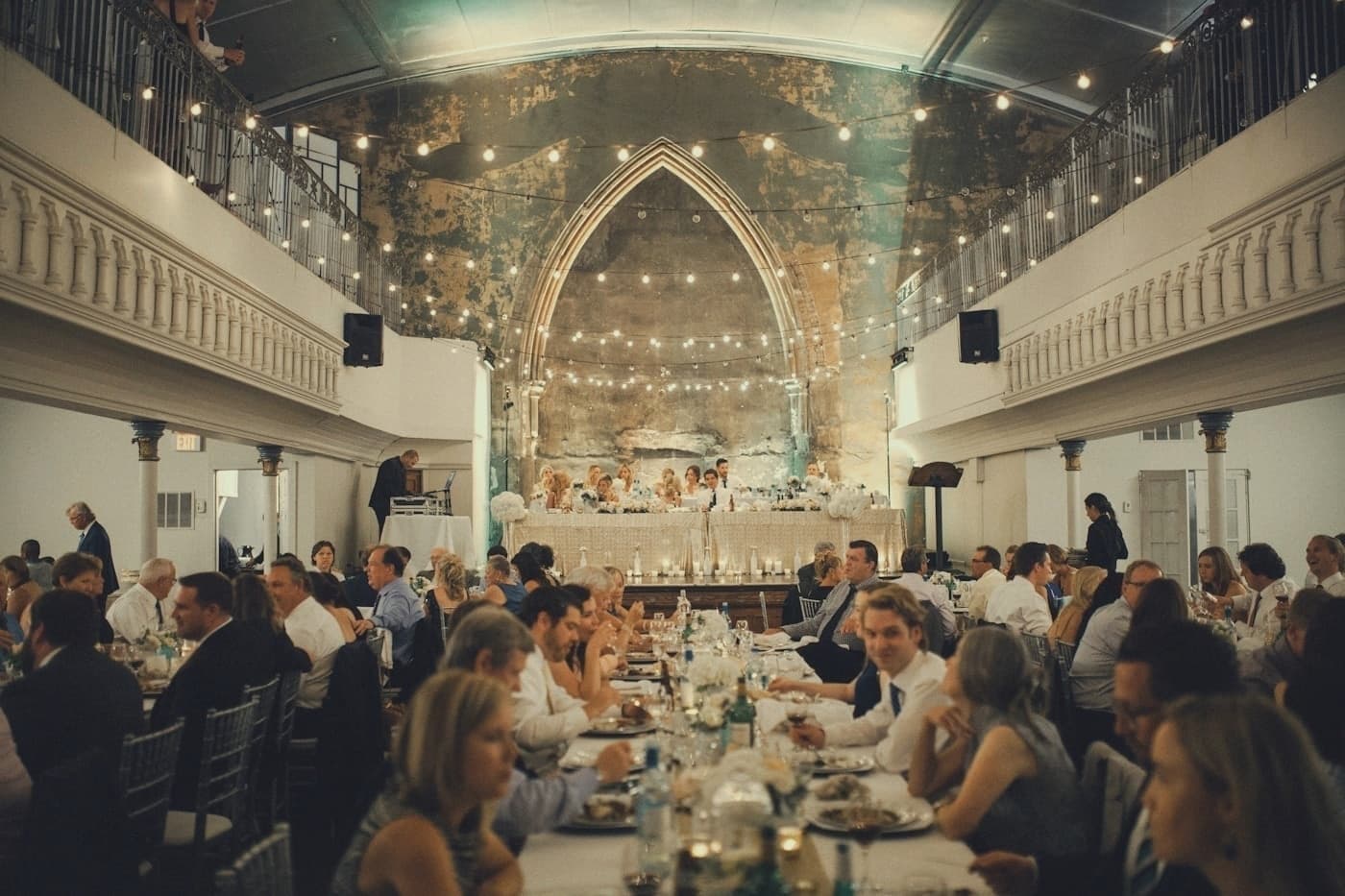
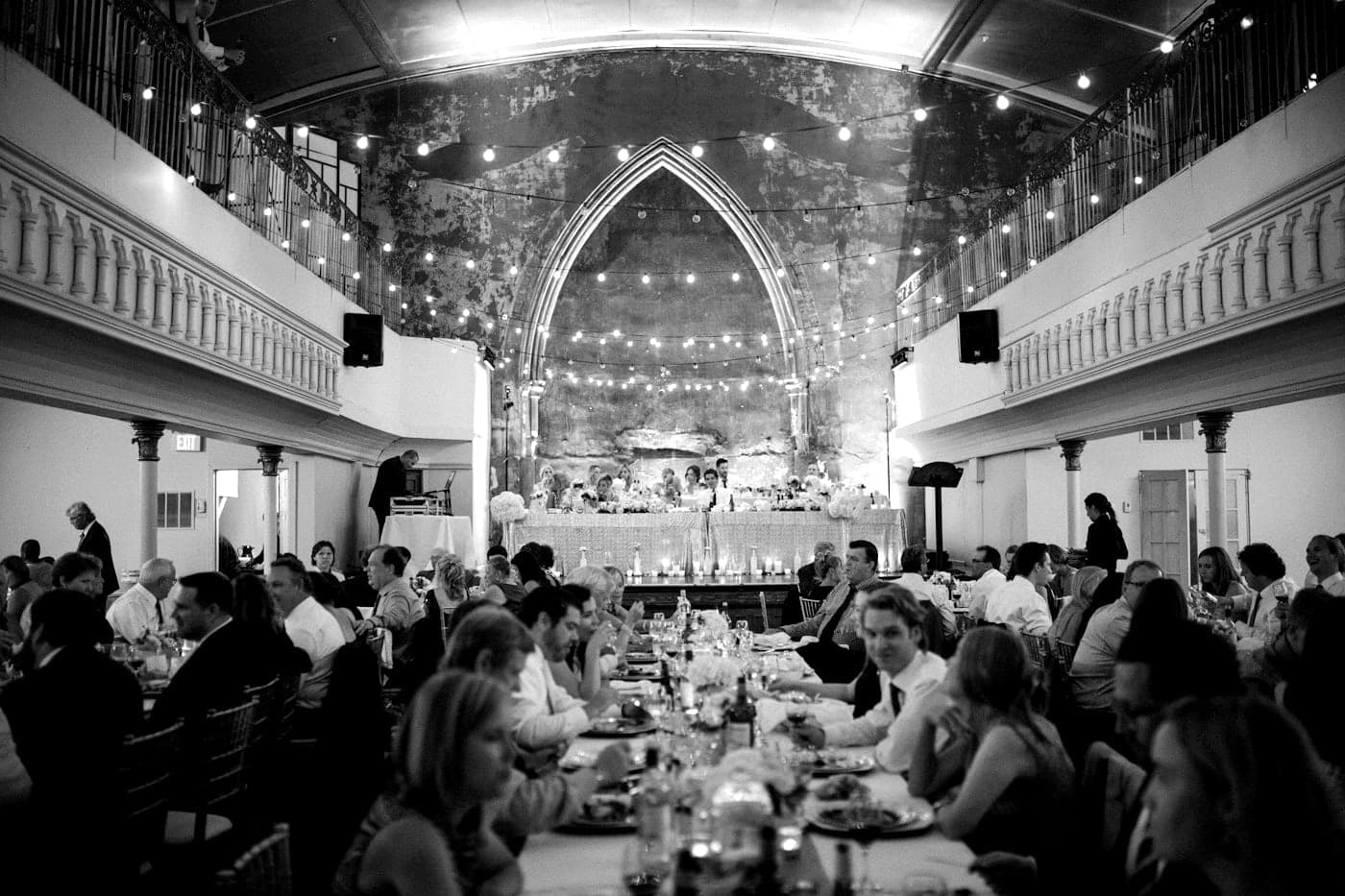
The shots-left counter is visible in the camera. Each captured photo uses a shot, so guests can see the roll count down while deciding what to photograph next.
Upload status is separate from the shot counter. Guests should check that their photos have finished uploading before leaving, especially when the venue’s connection is slow.
Open the demo on your phone and take three photos. Watch the counter move from three shots to two, then one, and try the available looks before viewing your demo album.
Use the demo to get familiar with the guest experience. Your wedding has its own event link, album and package settings.
Wedding packages
Choose your guest count and a roll of 12 or 24 photos per guest. Each package includes your event camera, QR code, photo filters and private album.
Prices in Mexican pesos (MXN) · One payment per event
Events
Events Plus
Choose a package to continue with your wedding details. You can review your selection before payment.
No. PopCam is a browser-based camera. Guests open the event link or scan its QR code and grant camera permission on their phone.
PopCam is designed for mobile browsers on iPhone and Android. Try the demo on the phones and browsers you plan to use, and allow access when the browser asks to use the camera.
That is up to the host. You can lock one look for the event or allow guests to select their own. The camera shows the appropriate controls for your choice.
An internet connection is needed to open the event and upload photos. Connection quality affects upload time, so test the venue’s Wi-Fi or mobile signal and check the upload status before closing the camera.
Choose your package, set the look, and get ready to share your camera.