No app
Scan and start
Guests open the camera in their phone’s browser. No app download needed.
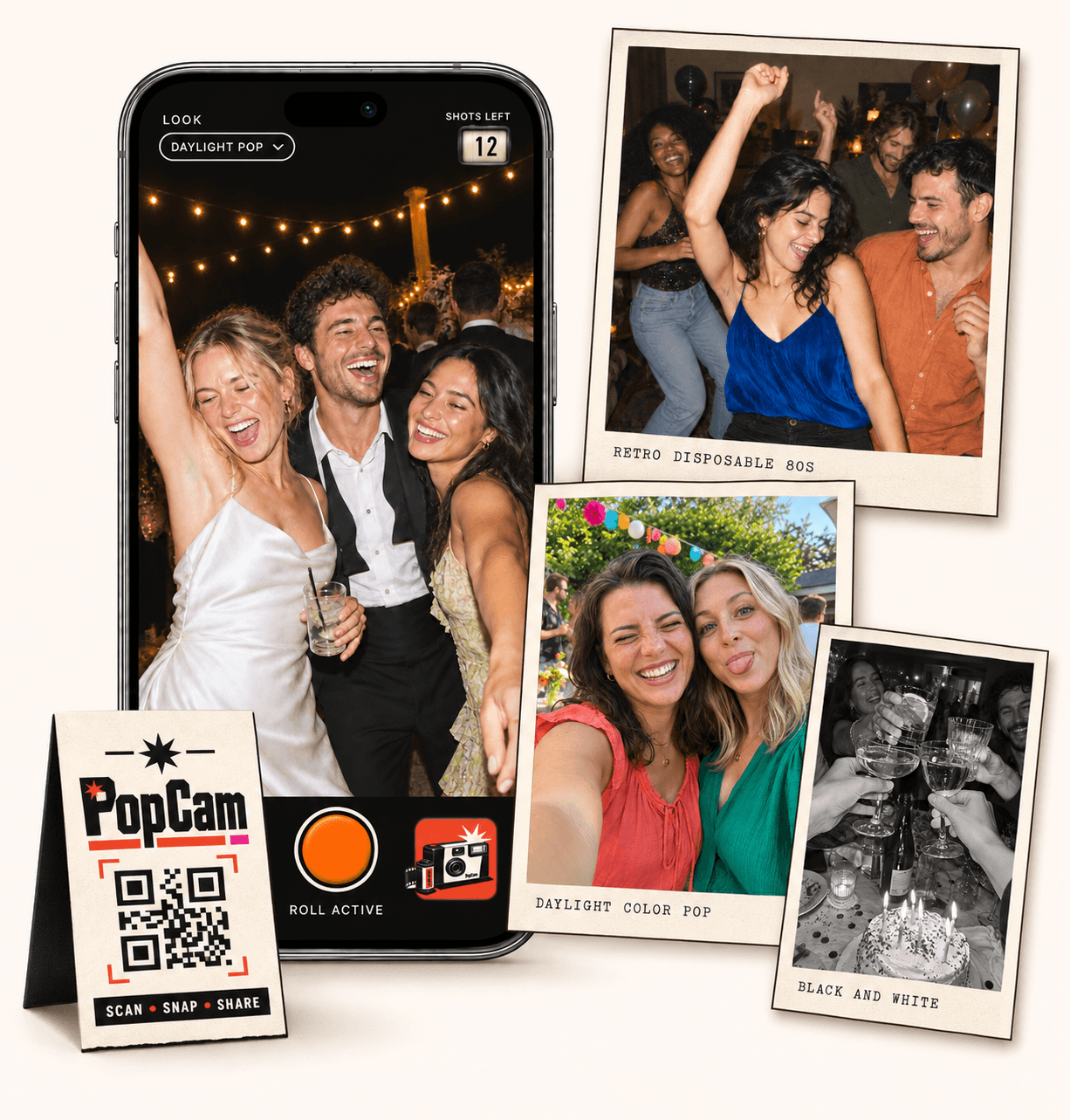
Group photo sharing turns an afternoon with friends or a family gathering into a collection everyone helps create. PopCam gives each person a camera in their phone browser, a limited roll and a place for their new photos in one album. Share a QR code or guest link, take a few pictures and discover your time together from every side. No app download needed.
No app
Guests open the camera in their phone’s browser. No app download needed.
12 or 24
Choose a photo allowance for your event. Guests see their remaining shots as they take photos.
Private
Collect uploaded PopCam photos in an album you share through its own link.
Review
Use your host panel to review photos and plan when the album opens.
Every group has someone who remembers to take photos. Give everyone a way to join in, so that friend can put their phone down, take a seat and appear in the memories too. Different people notice different things: a familiar joke, the food arriving or two relatives catching up.
Use PopCam for a reunion lunch, a picnic or a get-together at home. The collection comes from new photos taken in the shared camera experience, with each person using their own phone.
How it works
Before
Create and activate your event. Choose the roll, photo look and album reveal, then share your QR code.
During
Guests scan, open the camera and take their photos. Uploaded shots come together in your event album.
After
Review the collection before your chosen reveal time. Share the album link so your guests can enjoy the memories.
Choose 12 or 24 photos per participant and suggest a few things to look for. The shots-left counter shows everyone what remains, so people can save some of their roll for later instead of photographing everything at once.
Prompts are invitations, not a checklist everyone has to finish. A group of friends might enjoy a playful challenge; a family gathering may only need one idea to get started.
Photograph a detail someone else chose: their favorite dish, a well-loved object or the view from their seat.
Take a picture with someone you rarely appear beside, then invite another person to take the next shot.
Look for the conversation, the game or the laugh that would be missing from a single posed group photo.
Send the direct guest link before you meet, or display the QR when everyone arrives. A link is easier to open when someone is already reading your message on their phone. Both lead to the same event camera.
Try the demo together if you want to introduce the idea first. People will need to allow camera access and have an internet connection for uploads. Before closing the camera, check that the pictures have finished uploading.
Choose a fixed filter when you want everyone’s pictures to share a visual mood. Or allow individual choices so each person can try a look in their camera, from retro color to black and white.
The filter supplies the style; your group supplies the subject. A shared activity with different angles can be just as memorable as a carefully arranged group portrait.
Event packages let you choose immediate or scheduled album reveal. Keep it available during the gathering, or set a later reveal and invite the group back to see what everyone noticed. Use the host panel to review the collection.
Share the album link with the people who took part. Anyone with that link can pass it on, so agree within the group before sharing photos beyond your circle.
Event packages
Choose your guest count and a roll of 12 or 24 photos per guest. Each package includes your event camera, QR code, photo filters and private album.
Prices in Mexican pesos (MXN) · One payment per event
Events
Events Plus
Choose a package to continue with your event details. You can review your selection before payment.
Yes. People who join the same event camera take new photos for that event’s album. Choose a package with enough guest capacity for the people you expect to participate, with 12 or 24 shots each.
PopCam is for capturing new photos in its browser camera. It is not a bulk upload service or a place to merge your group’s existing photo libraries.
No installation is needed. Each person opens the group’s guest link or scans its QR code, allows browser camera access and takes pictures on their own phone.
Yes. Choose a scheduled reveal in your event settings. The host can review the collection, and the album becomes available according to the reveal you set. Immediate reveal is also an option.
Choose your package, set the look, and get ready to share your camera.