No app
A camera for the trip
Travelers open the shared link or scan the QR on their phones. No app download needed.
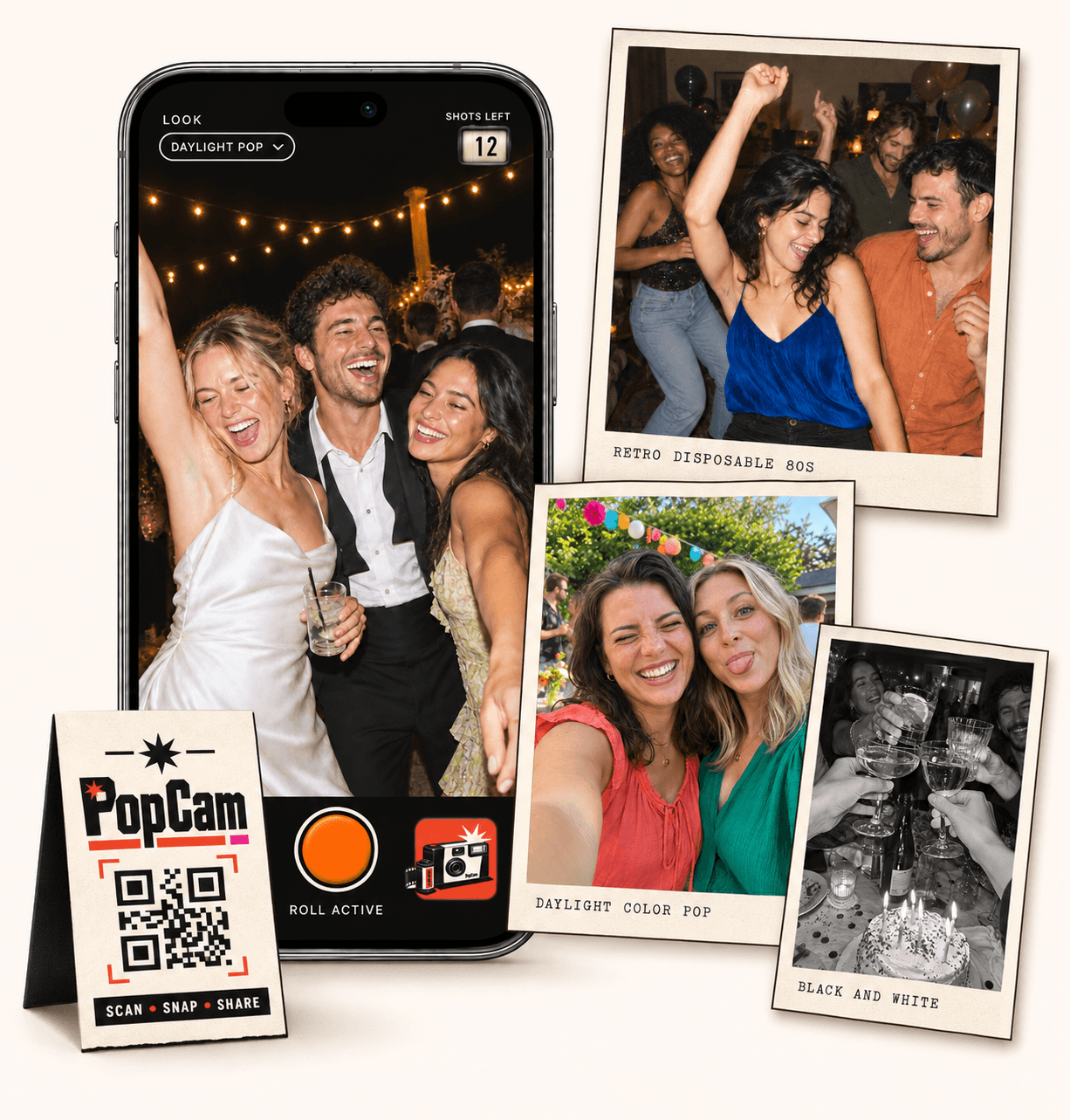
Group trip photo album sharing brings every traveler’s view into one collection. PopCam gives each person a camera in their phone browser and a fresh roll of 12 photos each day. Share the trip’s QR code or guest link, capture new moments along the way and discover everyone’s photos together at your scheduled album reveal. No app download needed.
No app
Travelers open the shared link or scan the QR on their phones. No app download needed.
12 a day
Each person gets 12 photos per day. The camera shows the shots remaining in today’s roll.
Together
Uploaded photos from every traveler come together in the same collection.
Reveal
Review the collection from your host panel and schedule when the album opens.
A group trip is full of scenes one camera cannot follow: friends making breakfast, the view from the back seat or a detour that becomes the best part of the day. Invite everyone to take a few photos so the album includes those different perspectives.
One traveler can create the trip and share the camera link in the group chat. Everyone who joins that camera contributes new PopCam photos to the same trip album, even when the group splits up for an afternoon.
How it works
Before you leave
Choose your trip dates, number of travelers and photo look. Activate the trip, then share its QR code or camera link.
Along the way
Each person takes up to 12 photos a day in the browser camera. Check that uploads finish so those moments reach the trip album.
At the reveal
Review the collection in your host panel and share the album link. Travelers can view the photos once your scheduled reveal arrives.
Each person gets 12 photos per day during the trip’s capture dates. The shots-left counter shows the day’s remaining allowance, and a new daily roll means there is room for tomorrow’s adventures too.
Give the group one optional prompt each morning. Keep it simple enough to fit the day, then let everyone find their own version. Daily rolls use the local midnight detected from each traveler’s phone. Changing time zones keeps the current roll until its scheduled reset; unused shots do not carry over.
Capture a travel companion, the first stop or a detail that marks the start of the journey.
Photograph something your friends may have missed: a sign, a shared meal or a favorite view.
Save a few shots for the evening: dinner, a story from the day and the people around the table.
Choose a trip package for your duration and number of people, set the first day and schedule the album reveal. Trip dates and the reveal use the organizer’s device time zone, shown automatically in setup. Setup supports 4, 7, 10 or 14 days. Choose one filter for the group or allow each traveler to pick their own look in the camera.
Send the direct camera link in your travel chat, where friends can tap it on the same phone. Try the three-photo demo before departure so everyone knows how to allow camera access and check their upload status. The demo has its own album and does not add photos to your real trip.
Photos need an internet connection to upload. When you are back on a reliable connection, reopen the trip camera and check that pending uploads finish. Photos taken during the trip can finish uploading for up to 72 hours after it ends. Keep using the same browser on that phone so you can return to the same camera session.
PopCam is a way to capture new photos during the journey. Your group can keep using its regular phone cameras too; existing phone-library photos are not imported into the PopCam album.
Schedule the album to open after your last travel day, then use the host panel to review the uploaded collection. Share the album link with the group so everyone can see the places and moments the others noticed.
Make the shared reveal something to look forward to once you are home, with time for travelers to finish their uploads. Keep the album link within your group; anyone who receives it can forward it.
Trip packages
Match the package to the length of your journey and the number of travelers taking photos. The current prices below show the included people and the cost of adding more.
Prices in Mexican pesos (MXN) · One payment per trip
Weekend Trip
199 MXN
Trip 10
299 MXN
Long Trip
599 MXN
Setup offers 4, 7, 10 or 14 days, with a maximum of 14. Choose your dates and traveler count, then review the total before payment. Daily rolls use each traveler’s local midnight, detected from their phone. Changing time zones keeps the current roll until its scheduled reset.
Each traveler gets 12 photos per day during the trip’s capture dates. The daily allowance uses your phone’s local midnight automatically. Changing time zones does not restart the active roll; the next roll adapts to your detected zone. Reopen the camera with a connection to refresh your allowance. Unused shots do not roll over to the next day.
Yes. Trip setup offers 4, 7, 10 and 14 days. Choose the package and duration that cover your journey, with 14 days as the current maximum.
No. Each person opens the shared guest link or scans the trip QR, allows camera access and takes photos in the phone browser. An internet connection is needed for uploads.
PopCam collects new photos taken in its browser camera. It does not import existing phone galleries or videos.
Trip albums use a scheduled reveal. The organizer chooses the reveal date and can review the uploaded photos in the host panel. The shared album becomes available when that reveal time arrives.
Choose your package, set the look, and get ready to share your camera.